
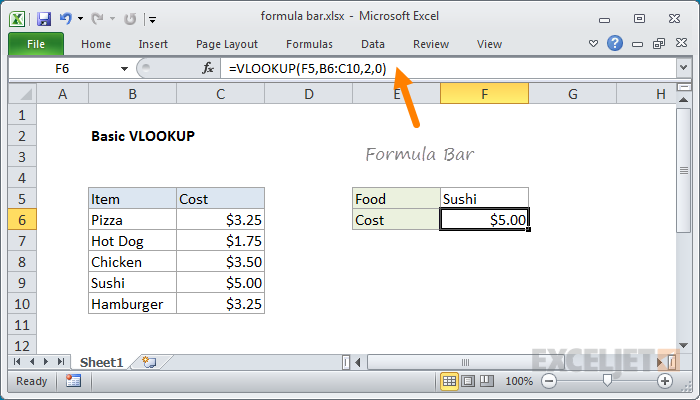
The Formula Bar in Excel sits directly above the worksheet area, to the right of the Name Box. The formula bar can be used to edit the content of any cell and can be expanded to show multiple lines for the same formula (example, shortcut for toggling).

For an example of editing a long formula in an expanded formula bar, watch this video.

Support Exceljet

Many websites (including Exceljet) have lost over half their traffic in the past year because of the crushing impact of AI on web searches. Exceljet is still at it, publishing free content each week. If you find Exceljet helpful, you can support the site and go ad-free with the Exceljet Lifetime Pass. One payment, no subscription, and ads are gone forever. Plus, you get our Excel Shortcuts video course as a thank you.

Get the Lifetime Pass