Summary

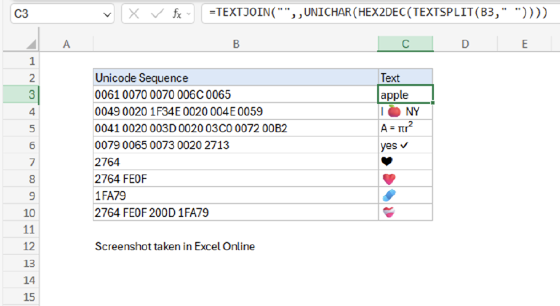
The Excel HEX2DEC function converts a hexadecimal number to its decimal equivalent.

Purpose
Converts a hexadecimal number to decimal
Return value
Decimal number
Syntax
=HEX2DEC(number)
  • number - The hexadecimal number you want to convert to decimal.

Using the HEX2DEC function

  • The input number must be less than or equal to ten alpha-numeric characters, otherwise the function returns the #NUM! error value.
  • The internal (binary) representation of the hexadecimal number uses two's complement notation. The first bit indicates whether the number is positive or negative, and the other 39 bits indicate the magnitude of the number.


Support Exceljet

Many websites (including Exceljet) have lost over half their traffic in the past year because of the crushing impact of AI on web searches. Exceljet is still at it, publishing free content each week. If you find Exceljet helpful, you can support the site and go ad-free with the Exceljet Lifetime Pass. One payment, no subscription, and ads are gone forever. Plus, you get our Excel Shortcuts video course as a thank you.

Get the Lifetime Pass

Dave Bruns Profile Picture

AuthorMicrosoft Most Valuable Professional Award

Dave Bruns

Hi - I'm Dave Bruns, and I run Exceljet with my wife, Lisa. Our goal is to help you work faster in Excel. We create short videos, and clear examples of formulas, functions, pivot tables, conditional formatting, and charts.