About This Shortcut
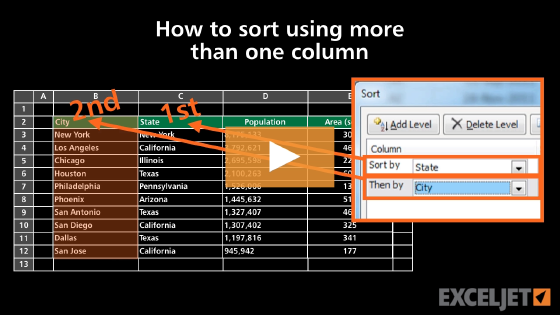
This shortcut opens the Sort dialog box, the same window that appears when you click Custom Sort on the ribbon. The Sort dialog box lets you sort by more than one column, with a separate sort order for each level.
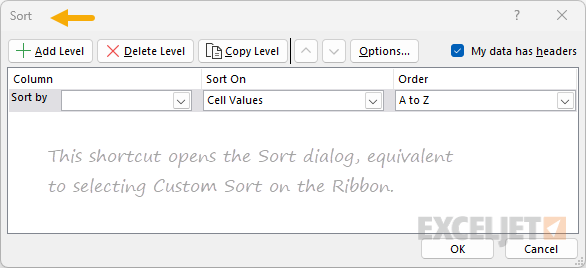
On the Mac, this is a dedicated keyboard shortcut. On Windows, there is no equivalent shortcut, so the keys shown above are ribbon access keys, pressed one after another, not held down together: Alt activates access keys, H selects the Home tab, S opens the Sort & Filter menu, and U selects Custom Sort. You can also type Alt, A, S, S to open the same dialog from the Data tab.
For a full demonstration of the Sort dialog box, see How to sort using more than one column.