Summary
To split a number into its individual digits, you can use a single formula based on the SEQUENCE function, the INT function, and the MOD function. In the example shown, the numbers are in the range B5:B16, and the formula in D5 is:
=LET(
  number, B5:B16,
  base, 10,
  places, 5,
  powers, SEQUENCE(,places,places-1,-1),
  MOD(INT(number/base^powers), base)
)
This formula spills a grid where each row holds the digits of one number, lined up by place and padded with leading zeros to 5 columns. The number 12345 becomes 1,2,3,4,5, and 150 becomes 0,0,1,5,0.
This is place-value decoding: each digit is pulled out by dividing by a power of the base and reading the remainder. Because the
baseis a variable, the same formula can split a number into any base, not just base 10. The Split into another base section shows a binary example.
Generic formula
=LET(
  number, range, base, 10, places, n,
  powers, SEQUENCE(,places,places-1,-1),
  MOD(INT(number/base^powers), base)
)
Here, number can be a single cell or a range, base is the number base (10 for normal numbers), and places is how many digit columns to return.
Explanation
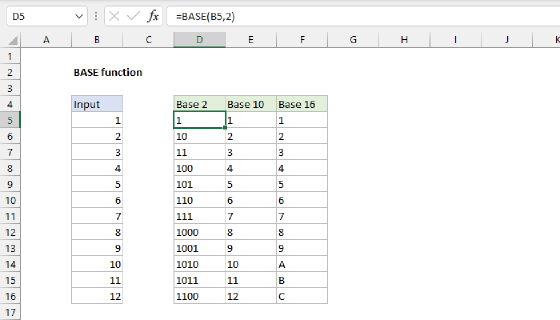
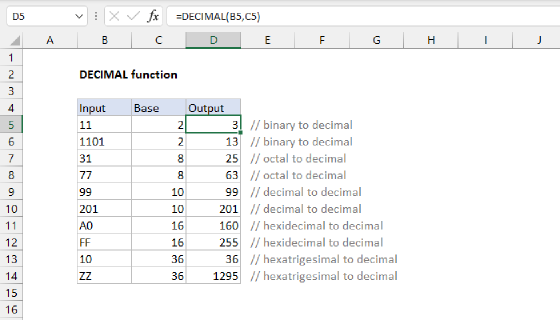
In this example, the goal is to split a number like 12345 into 5 separate columns, each holding one digit. Excel has no built-in function that breaks a number into separate digit columns. The BASE function and the DECIMAL function convert between bases, but they return a single text string and are limited to base 36. The formula on this page returns each digit as its own number, works for a whole list at once, and handles any base.
Table of contents
How the formula works
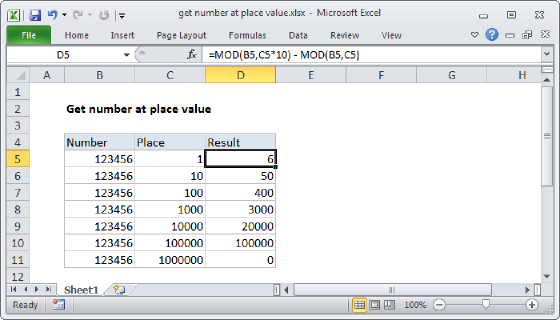
The main idea is place value. The number 12345 can be expressed like this:
1×10^4 + 2×10^3 + 3×10^2 + 4×10^1 + 5×10^0
To extract single digits, we can divide by the matching power of 10 and get the remainder. By hand, the five digits of 12345 can be extracted like this:
=INT(12345/10000)        // returns 1
=MOD(INT(12345/1000),10) // returns 2
=MOD(INT(12345/100),10)  // returns 3
=MOD(INT(12345/10),10)   // returns 4
=MOD(12345,10)           // returns 5
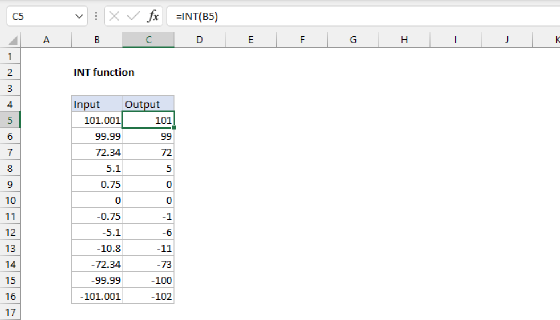
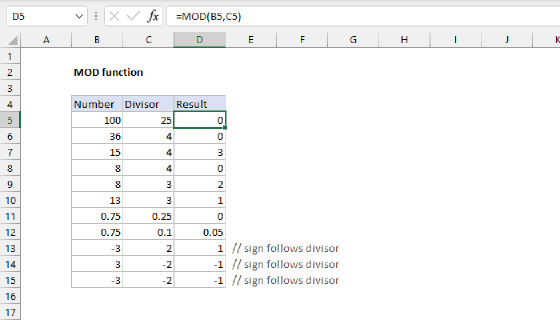
INT shifts the digit you want down into the ones place by dividing, and MOD reads the digit by taking the remainder after dividing by the base.
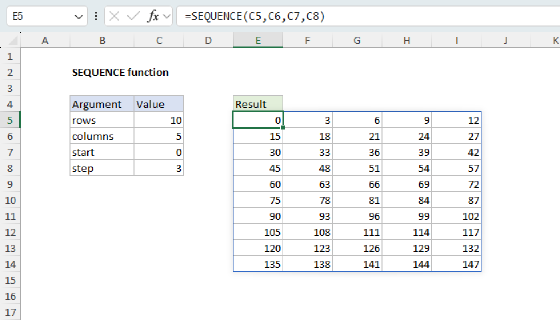
Writing one line per digit is tedious, so of course we would like to find a more convenient process. One approach is to generate the powers with a small horizontal array and let the formula handle every place at once. The SEQUENCE function builds the row of powers:
powers, SEQUENCE(,places,places-1,-1) // a row: {4, 3, 2, 1, 0}
Note the first argument is left blank so that SEQUENCE will build a horizontal array in columns instead of a vertical array in rows.
Next, base^powers creates a row of divisors {10000, 1000, 100, 10, 1}. Because number is a column (B5:B16) and powers is a row, Excel pairs them into a grid, dividing every number by every divisor. Wrapping that in INT and MOD decodes every digit of every number in one step:
MOD(INT(number/base^powers), base)
The result is a grid with one row per number and one column per place, which is the table shown at the top of the page:
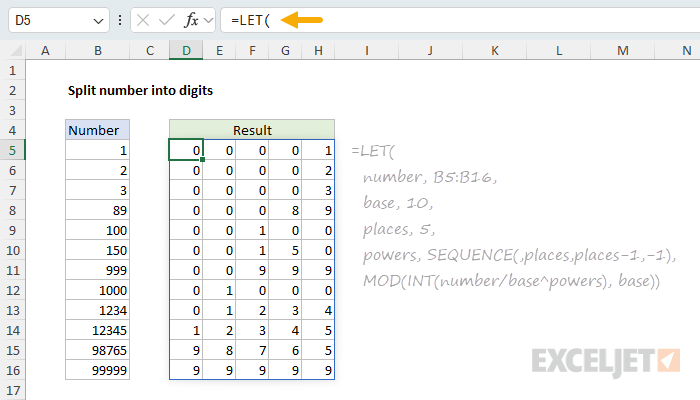
The array result lands in cell D5 and spills into the range D5:H16.
Note that one pattern applies both INT and MOD at every position, even though the manual steps above did not. At the first position, the MOD is not strictly needed: when
placesis large enough, the leading digit is already smaller than the base, soMOD(1,10)simply returns 1. At the last position, the INT and the division are not needed either, because the divisor isbase^0, which equals 1. Dividing by 1 changes nothing, so the formula reduces toMOD(number,10). Applying the same pattern everywhere allows the formula to handle all positions at once.
Choose enough places
Be careful to choose enough places for the numbers you want to process. The places variable sets how many digit columns the formula returns. In the example it is fixed at 5, which is exactly enough for the largest value in the list, 99999. If a number has more digits than places, the numbers on the high end are silently dropped: with places, 5, the number 123456 would return 2,3,4,5,6. Make sure to set places to cover your longest number.
Split into another base
Because the base is just a setting, the same formula splits a number into any base. To split into binary, set base to 2 and increase places to 8 (a byte needs 8).
=LET(
  number, B5:B16,
  base, 2,
  places, 8,
  powers, SEQUENCE(,places,places-1,-1),
  MOD(INT(number/base^powers), base)
)
Here a list of numbers is split into 8 binary digits each:
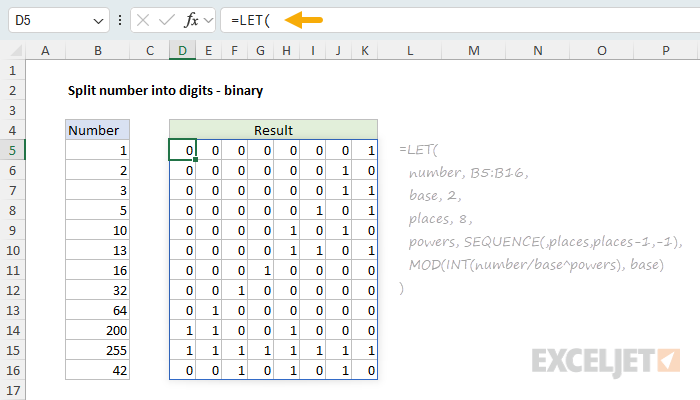
The number 13 becomes 0,0,0,0,1,1,0,1 (8 + 4 + 1), and 255 becomes all ones. The only changes from the base-10 version are base and places. The same pattern works for octal (base, 8), hexadecimal (base, 16), or any other base, including the odd bases used by things like a rotary combination dial.
Generate and split
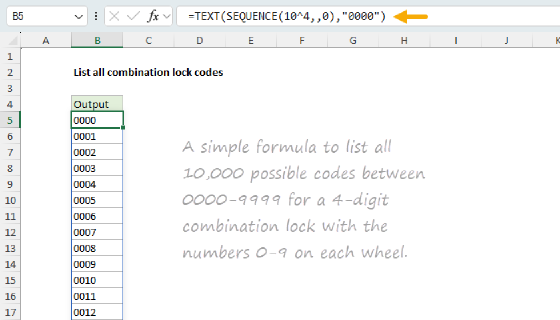
This page splits numbers you already have. To generate every possible number or code in a range and split it into columns, swap the input for a counter built with SEQUENCE, as shown on the List all combination lock codes page, which uses this same place-value decode to list all 10,000 four-digit codes.
Summary
Splitting a number into digits is place-value decoding:
- Divide by a power of the base to shift a digit into the ones place, then read it off with
MOD. - Generate the powers with
SEQUENCEso one formula handles every digit at once. - Pass a column of numbers to decode the whole list in one step.
- Set
placesto cover your longest number. - Change
baseto split into binary, hexadecimal, or any other base.