
=PERMUT(number, number_chosen)- number - The total number of items.
- number_chosen - The number of items in each combination.
Using the PERMUT function
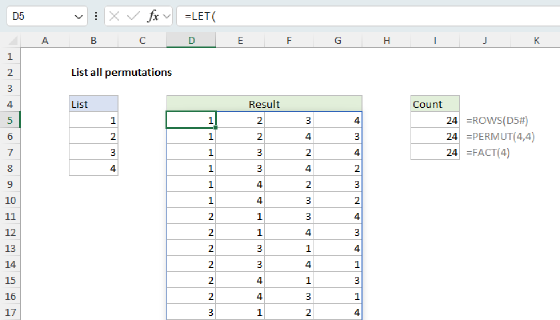
The PERMUT function returns the number of permutations for a given number of items. A permutation is a combination where order matters. In other words, a permutation is an ordered combination.
There are two types of permutations:
- Permutations where repetition is not allowed (i.e. 123)
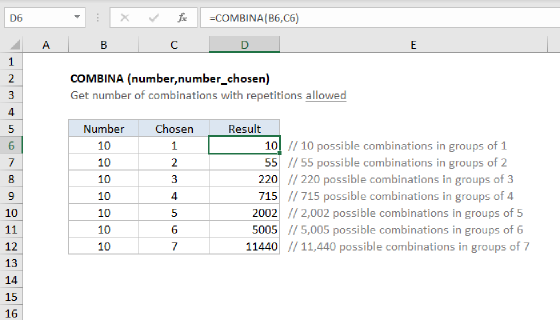
- Permutations where repetition is allowed (i.e. 333)
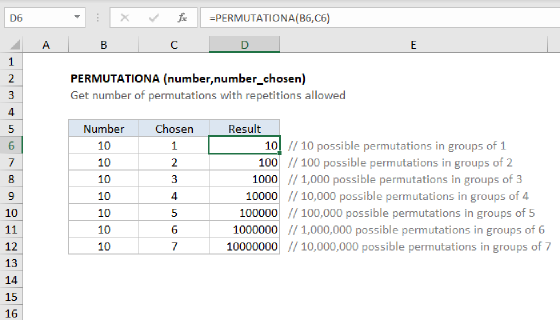
The PERMUT function calculates permutations where repetitions are not allowed. To calculate permutations where repetitions are allowed, use the PERMUTATIONA function.
A good real-world example is a race: if 10 runners compete, how many ways can 1st, 2nd, and 3rd place be awarded? Order matters and no runner can finish in two positions, so this is a permutation without repetition. For a full explanation, see Combinations and permutations in Excel.
Example
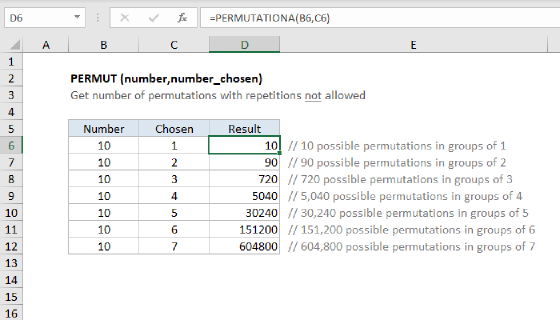
To use PERMUT, specify the total number of items and "number_chosen", which represents the number of items in each combination. For example, to calculate 3-number permutations for the numbers 0-9, there are 10 numbers and 3 chosen, so the formula is:
=PERMUT(10,3) // returns 720
This result can be seen in cell D8 in the example shown.
Notes
- A permutation is a group of items in which order/sequence matters.
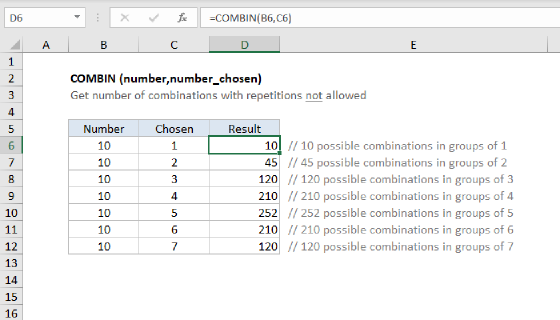
- If order is not significant, see the COMBIN function.
- Arguments that contain decimal values are truncated to integers.
- PERMUT returns a #VALUE! error value if either argument is not numeric.
- PERMUT returns #NUM! if number is less than number_chosen.